
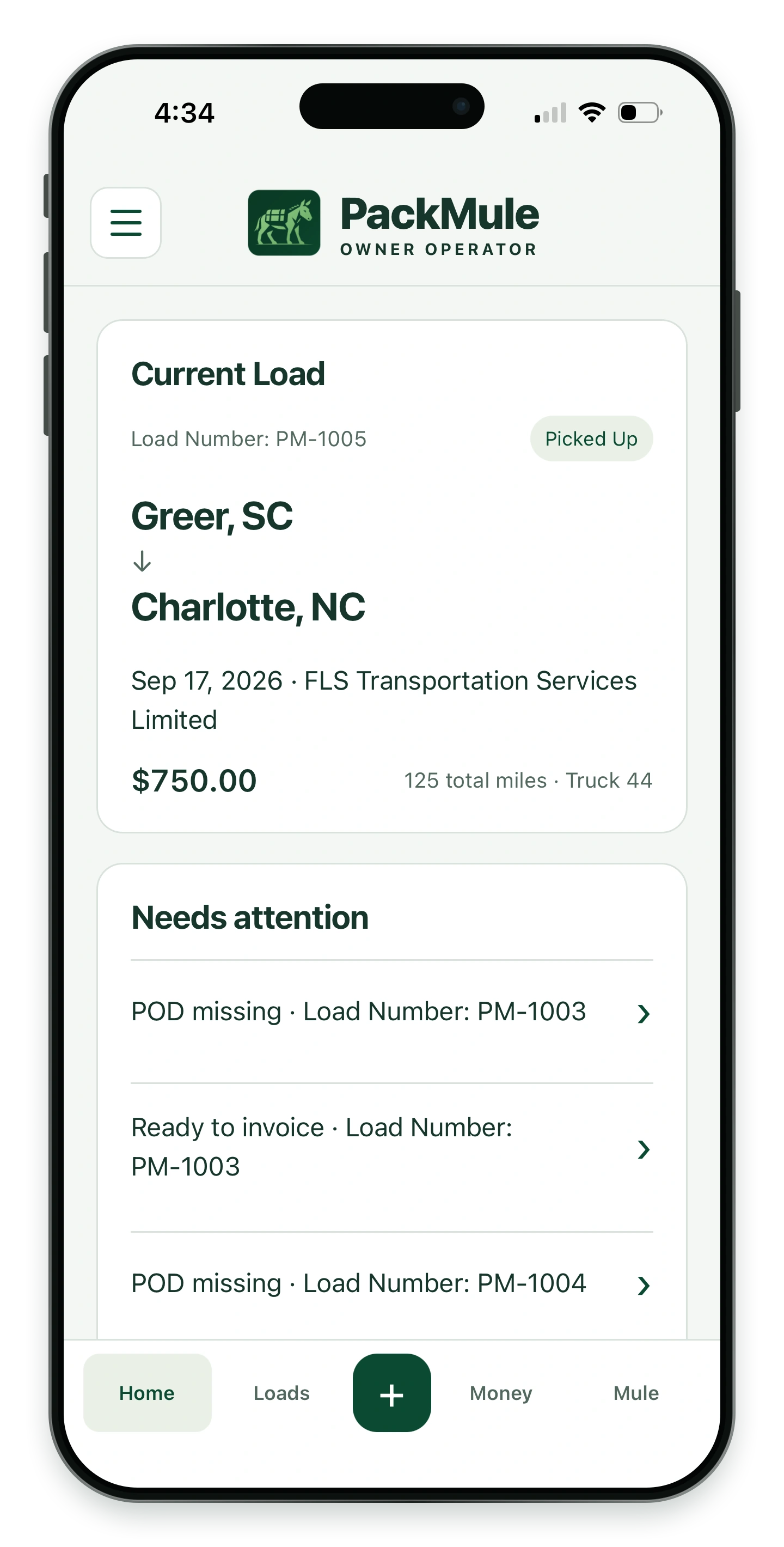
Your next steps, in one place
See your current load and what needs attention.
19 iPhone screens from PackMule Owner Operator. Select a screen to enlarge it.
Development preview. Features are still being tested.
Keep the current load and the next task in view.
See your current load and what needs attention.
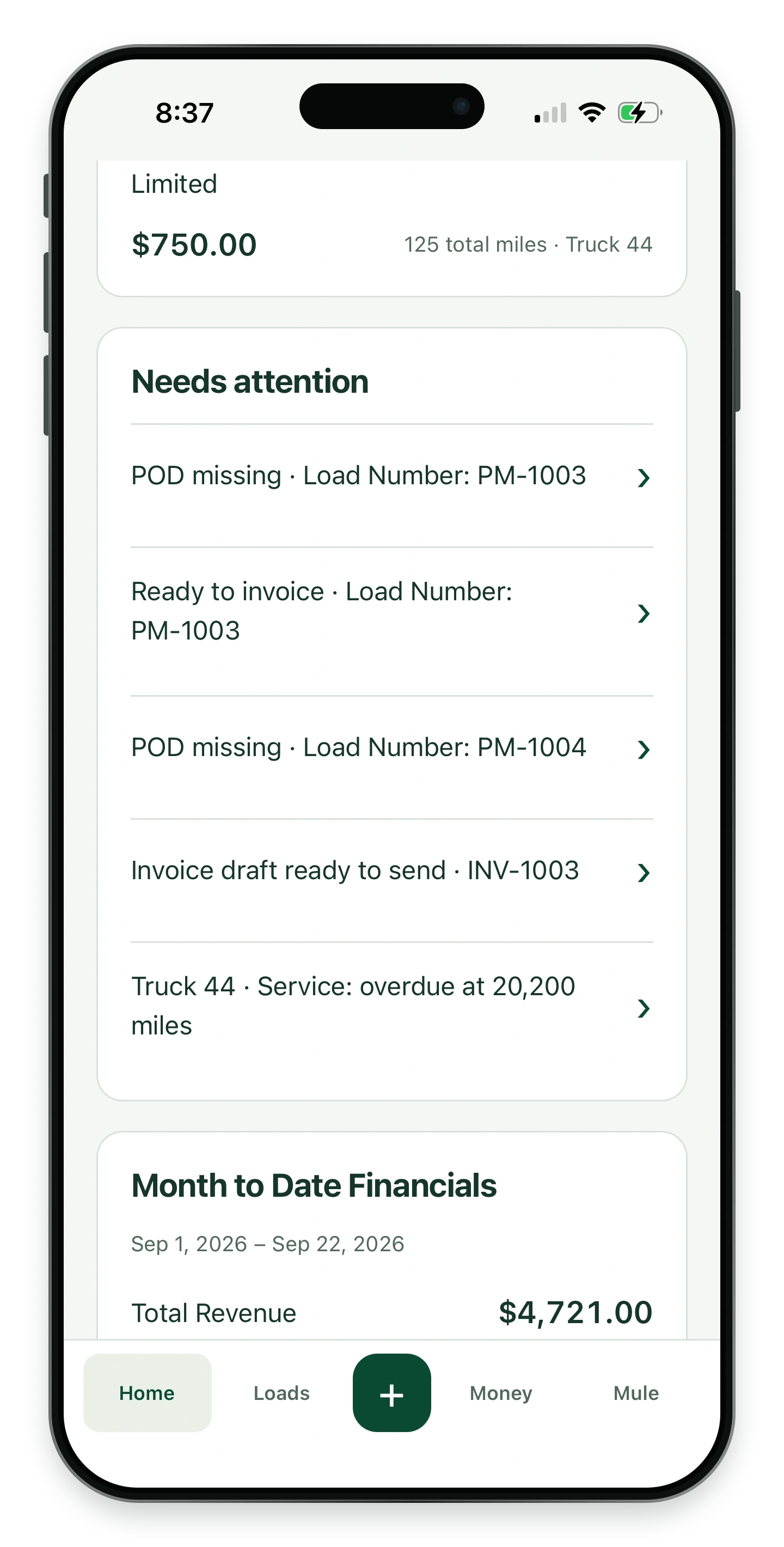
Keep paperwork, billing and service reminders in view.
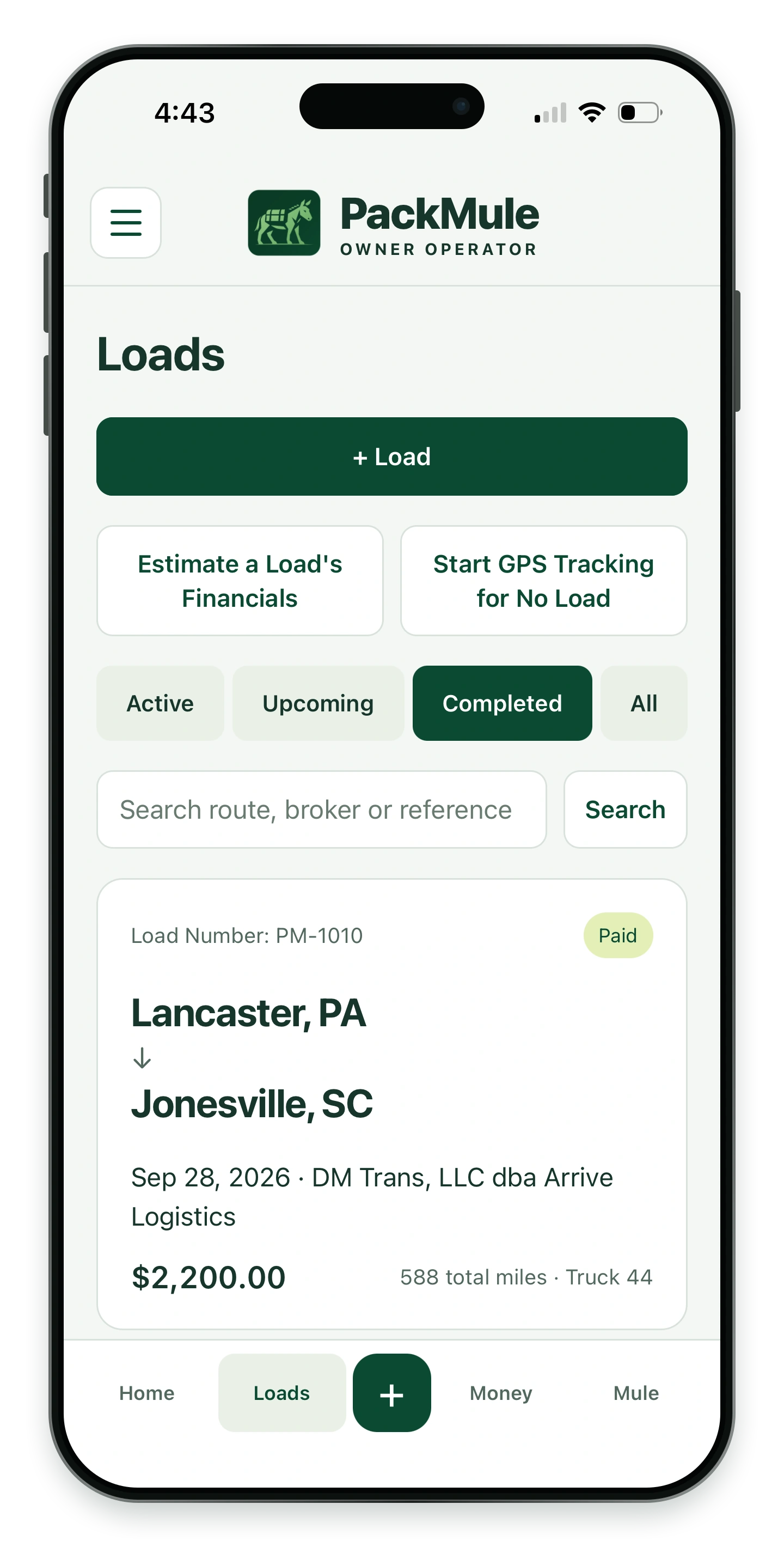
Find a load by route, broker or reference.
Estimate a load, review its details and keep track of the miles.
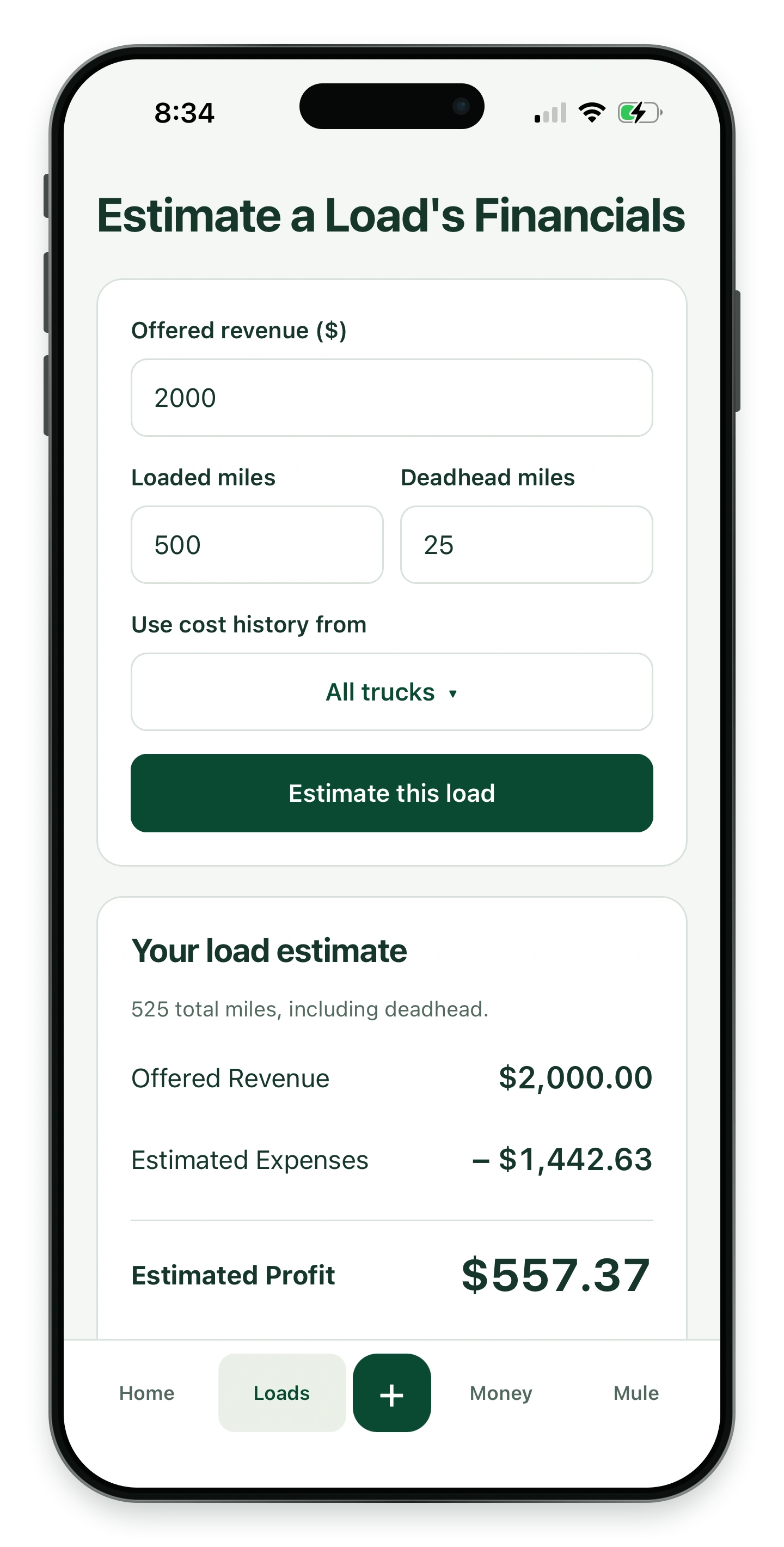
Compare the offered rate, loaded miles and deadhead.
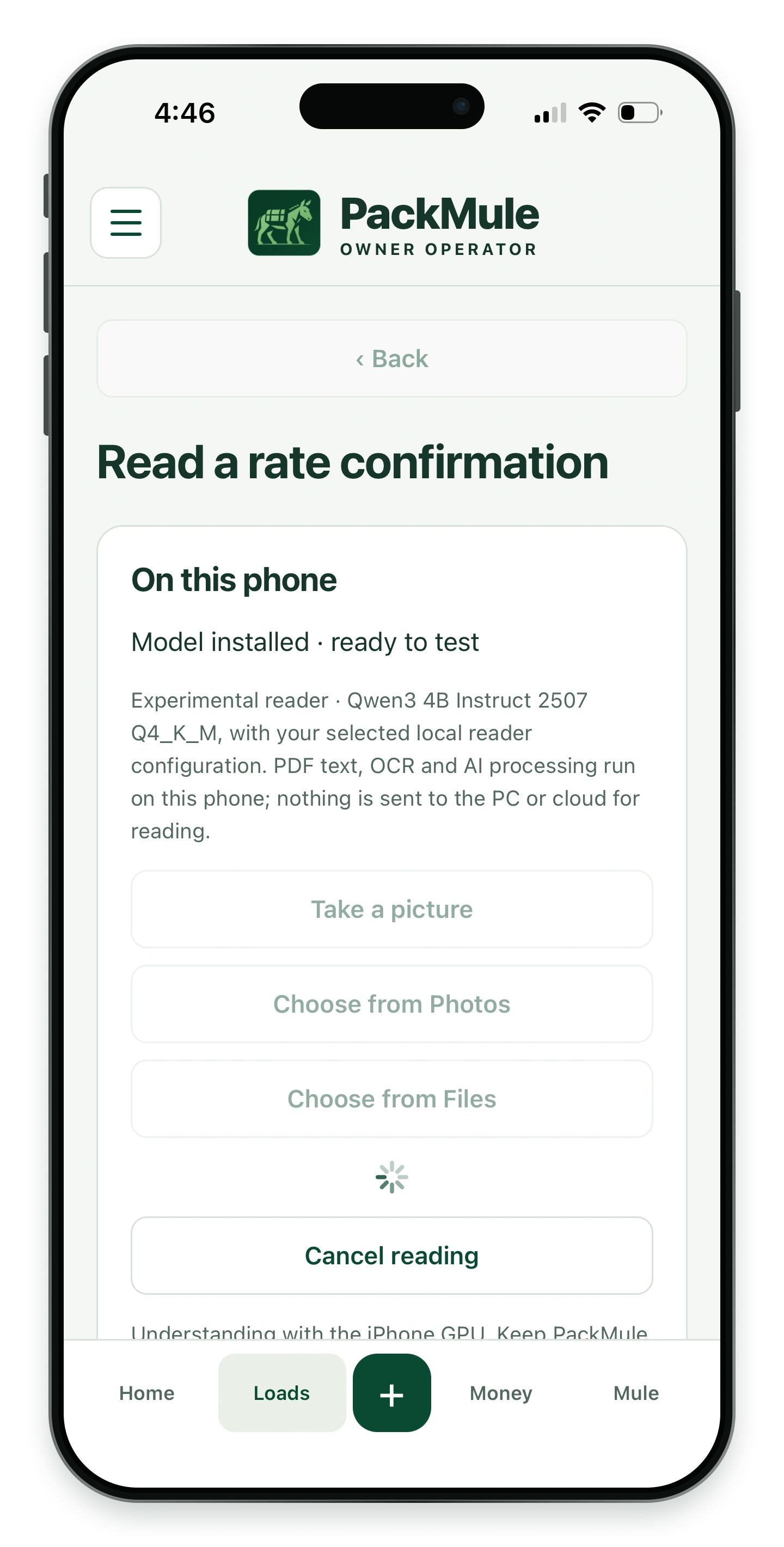
Read a rate con on the phone, then review the results. Assisted reading remains in testing.
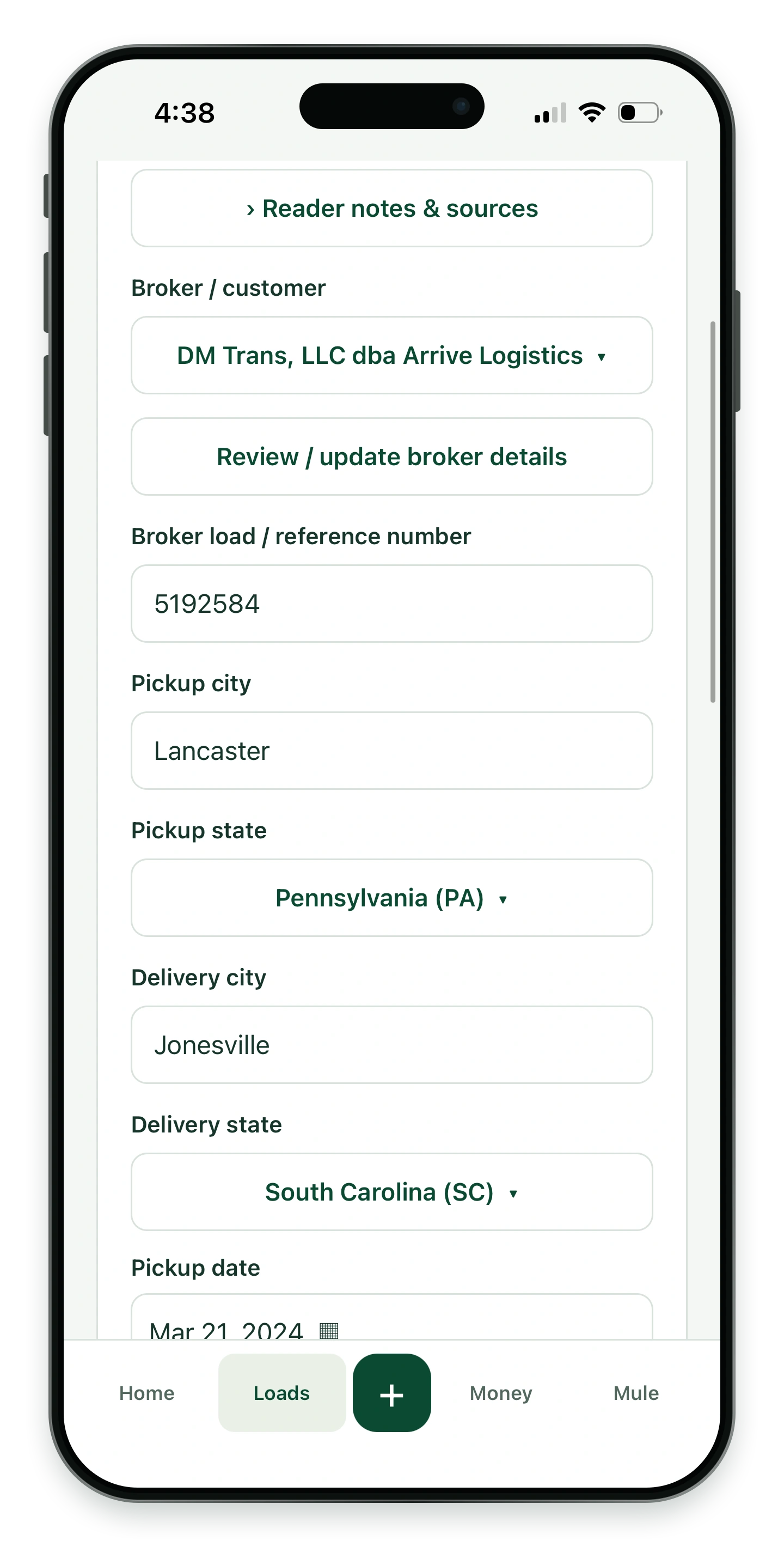
Check the broker, route and dates before saving.
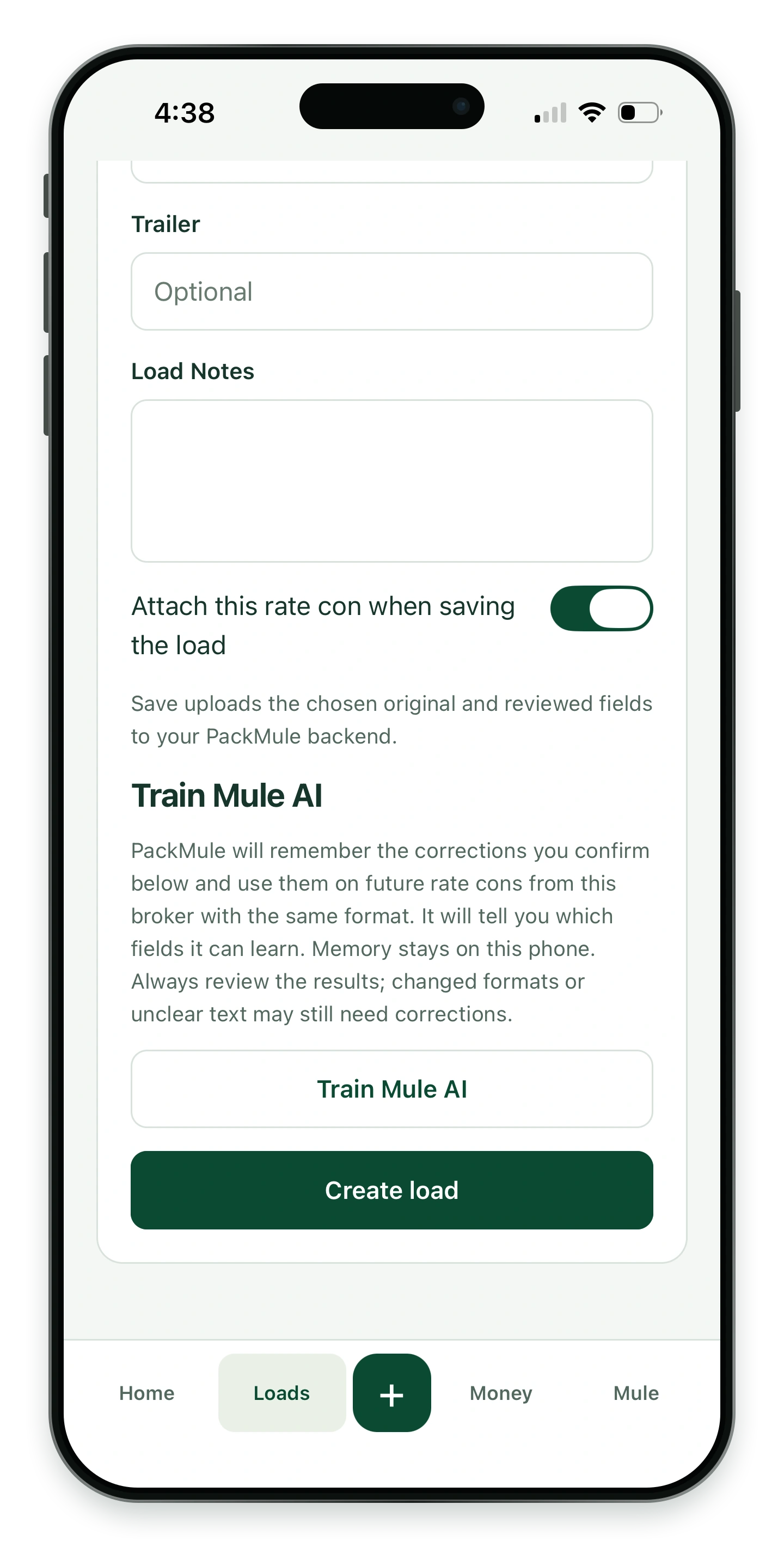
Confirm supported corrections for matching broker formats. This reader feature is still being tested.
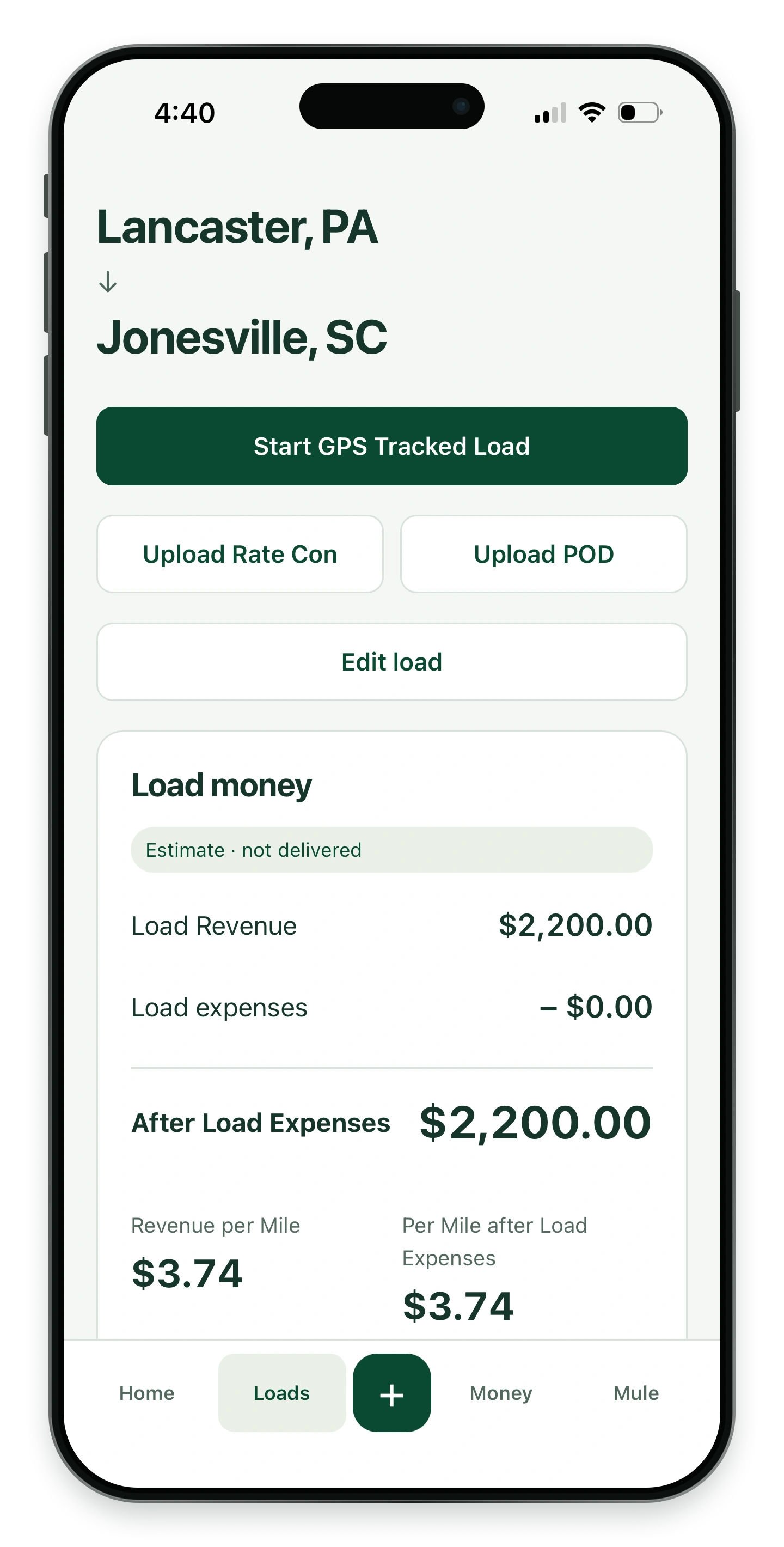
Open its paperwork, trip controls and recorded numbers.
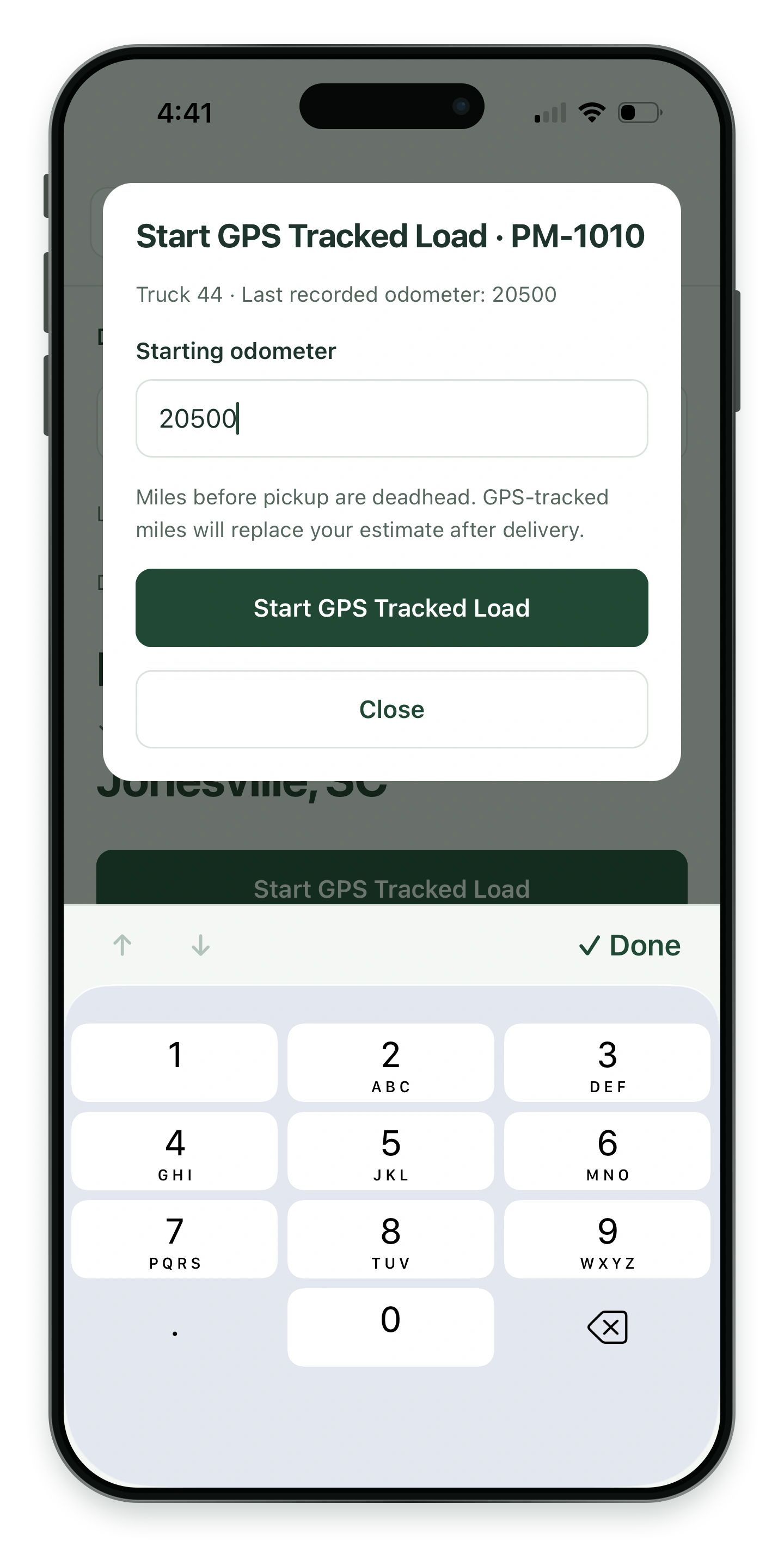
Enter the starting odometer before GPS tracking.
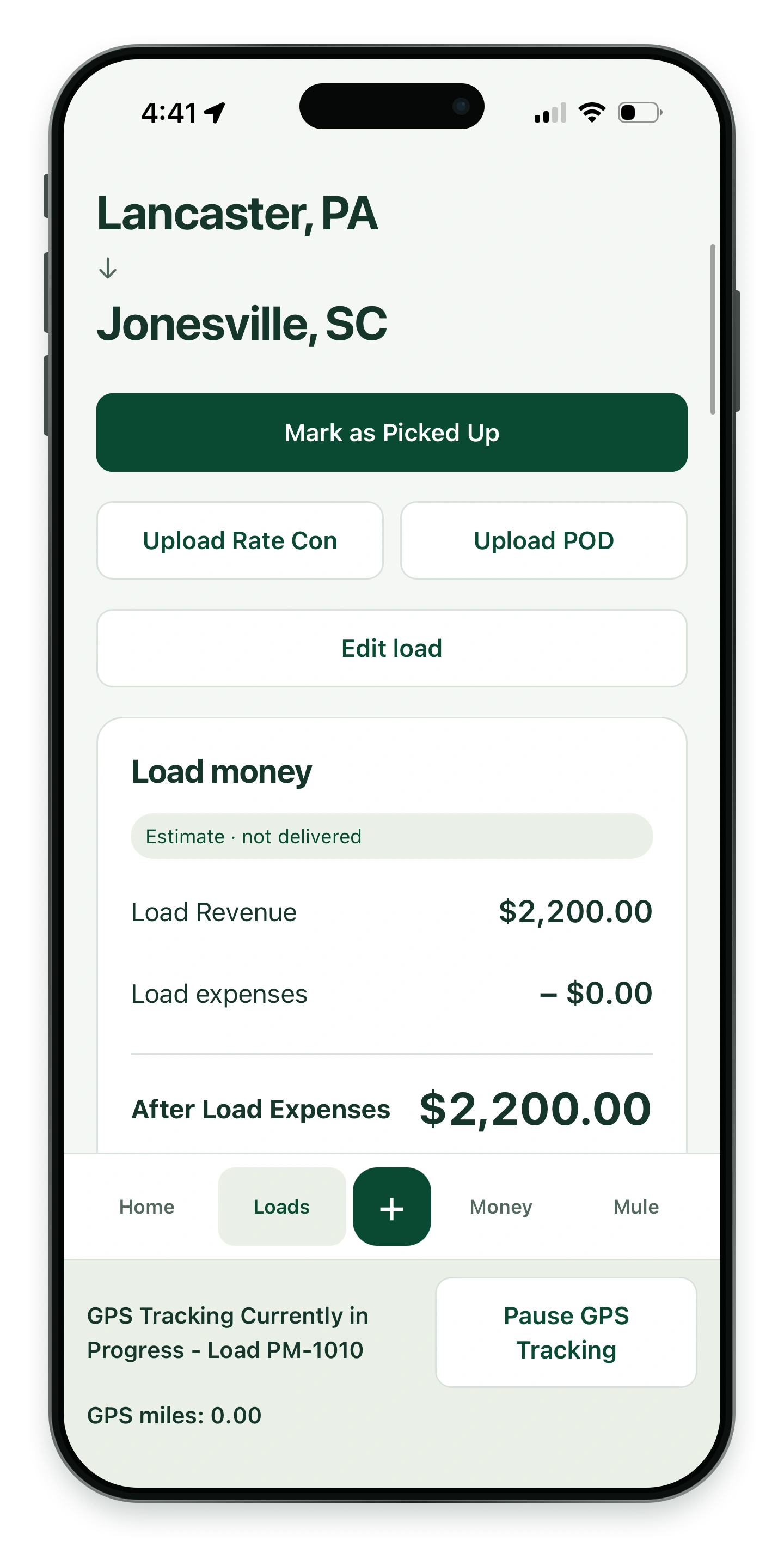
See the active trip and pause tracking when needed.
Keep documents with the load, prepare the invoice and record payment.
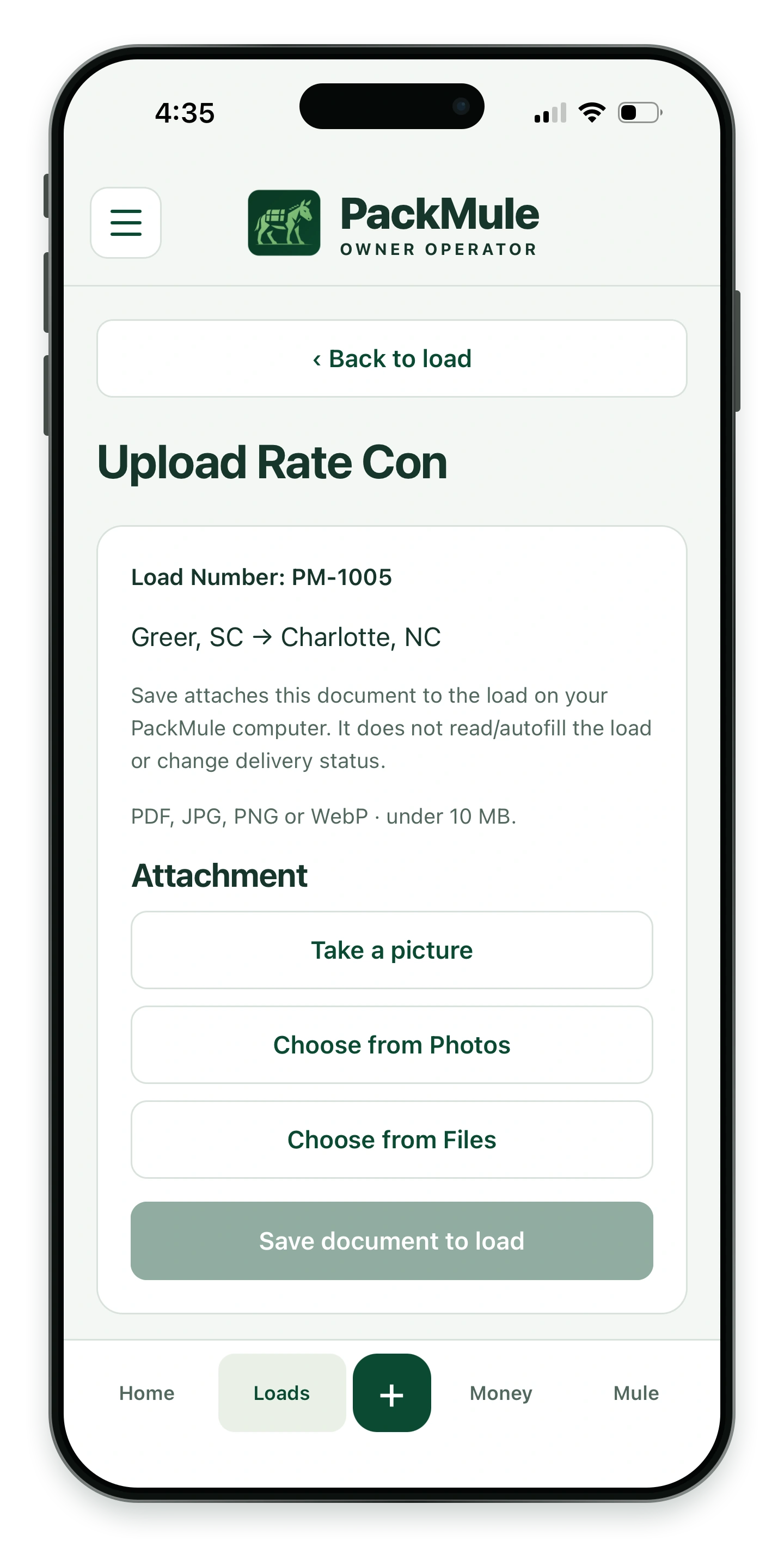
Add a photo or file to your load’s paperwork.
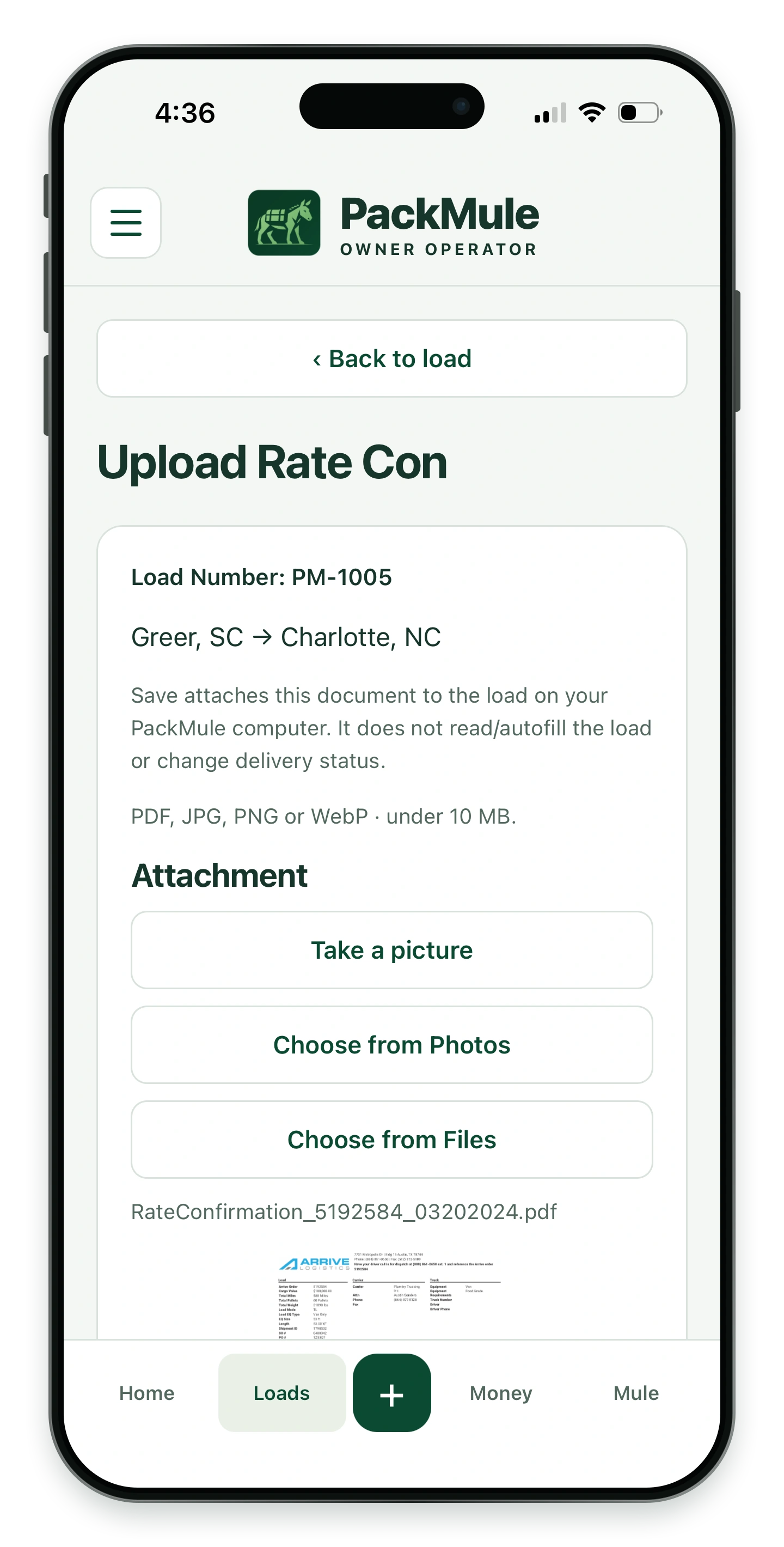
Check the selected rate con before saving.
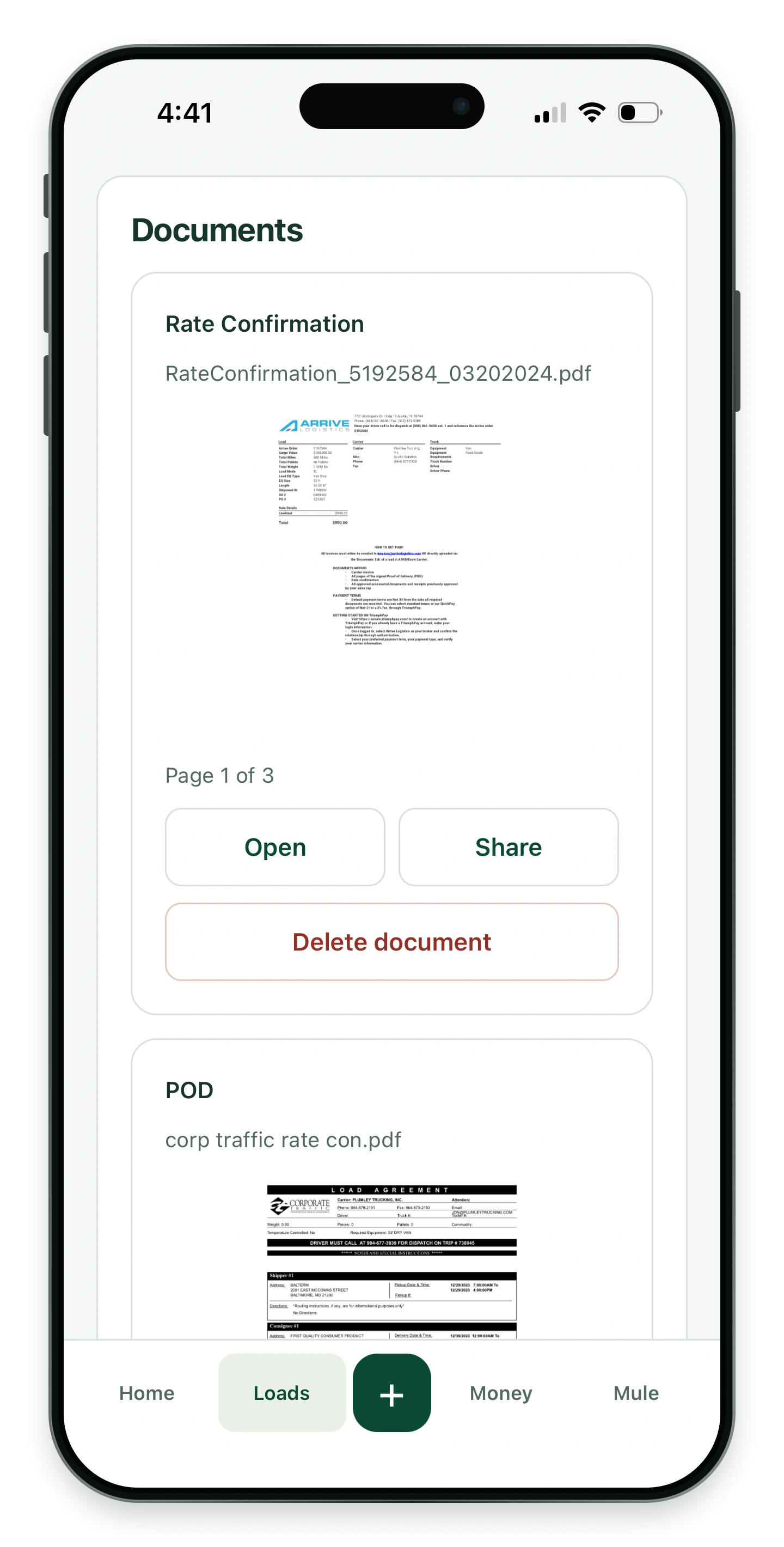
Open and share documents attached to a load.
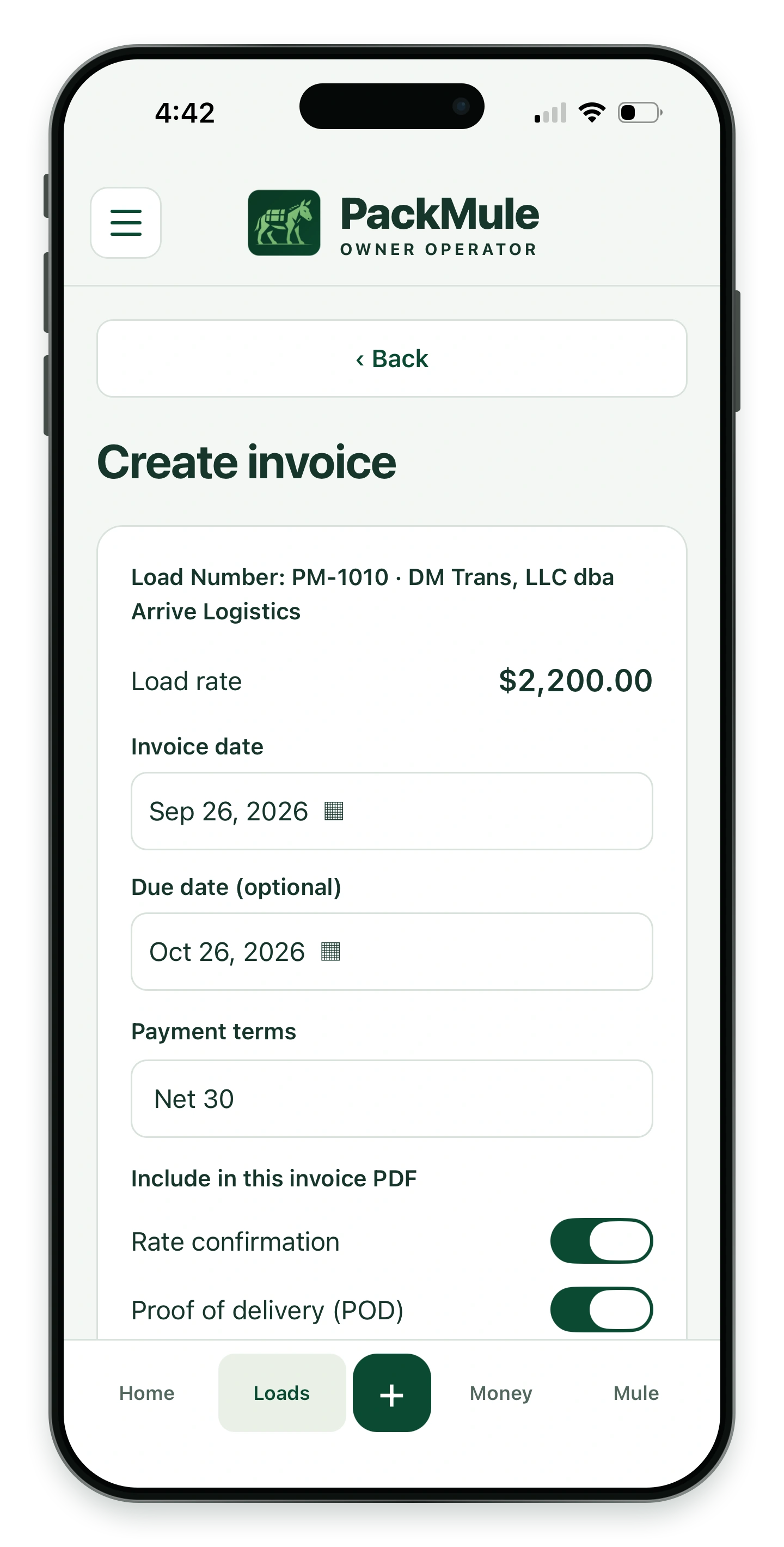
Choose whether to include the attached rate con and POD in your invoice PDF.
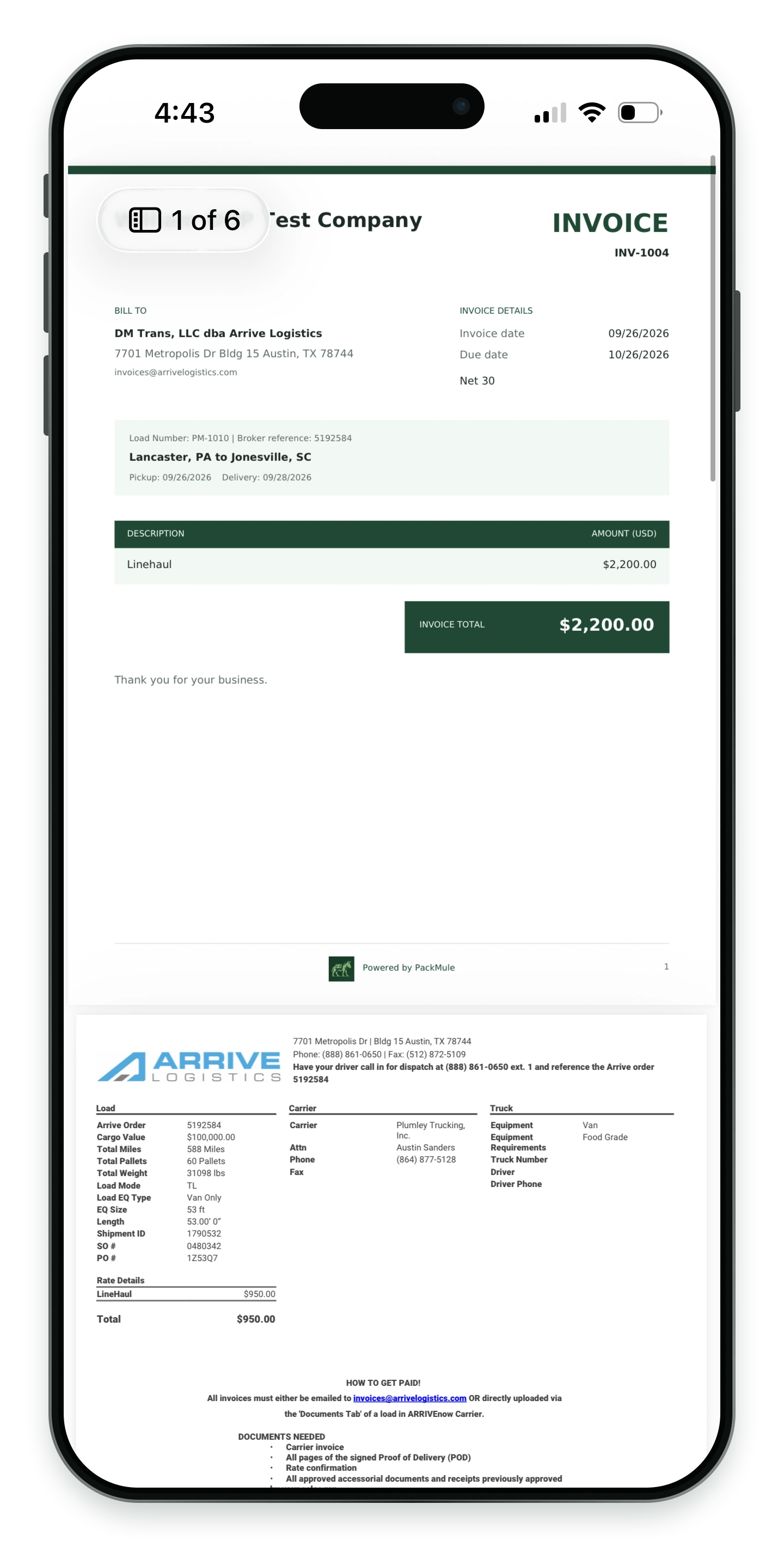
Preview the invoice and its attached paperwork.
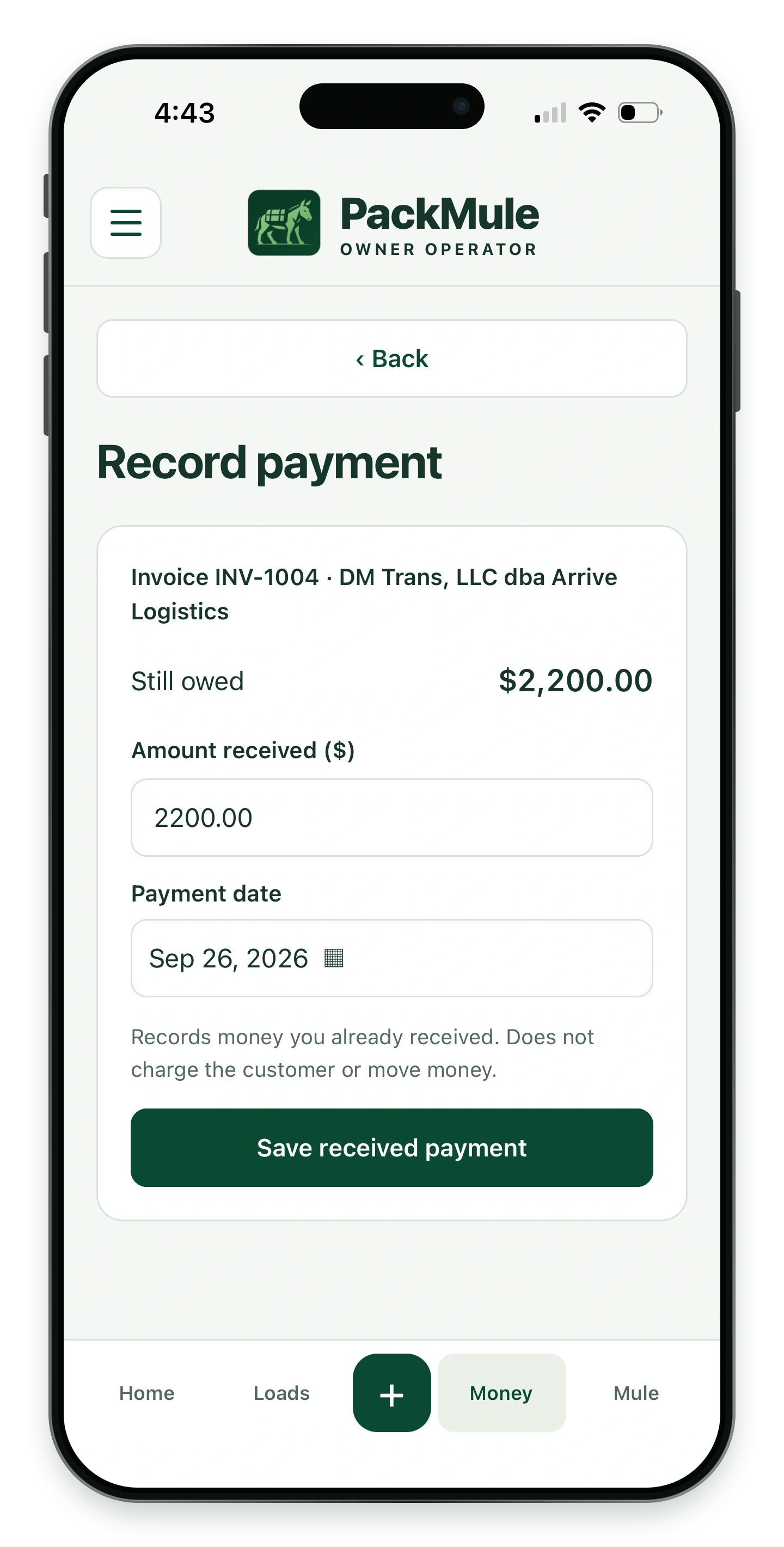
Record a payment you have already received. This does not charge a customer or move money.
See revenue, expenses and billing status in one place.
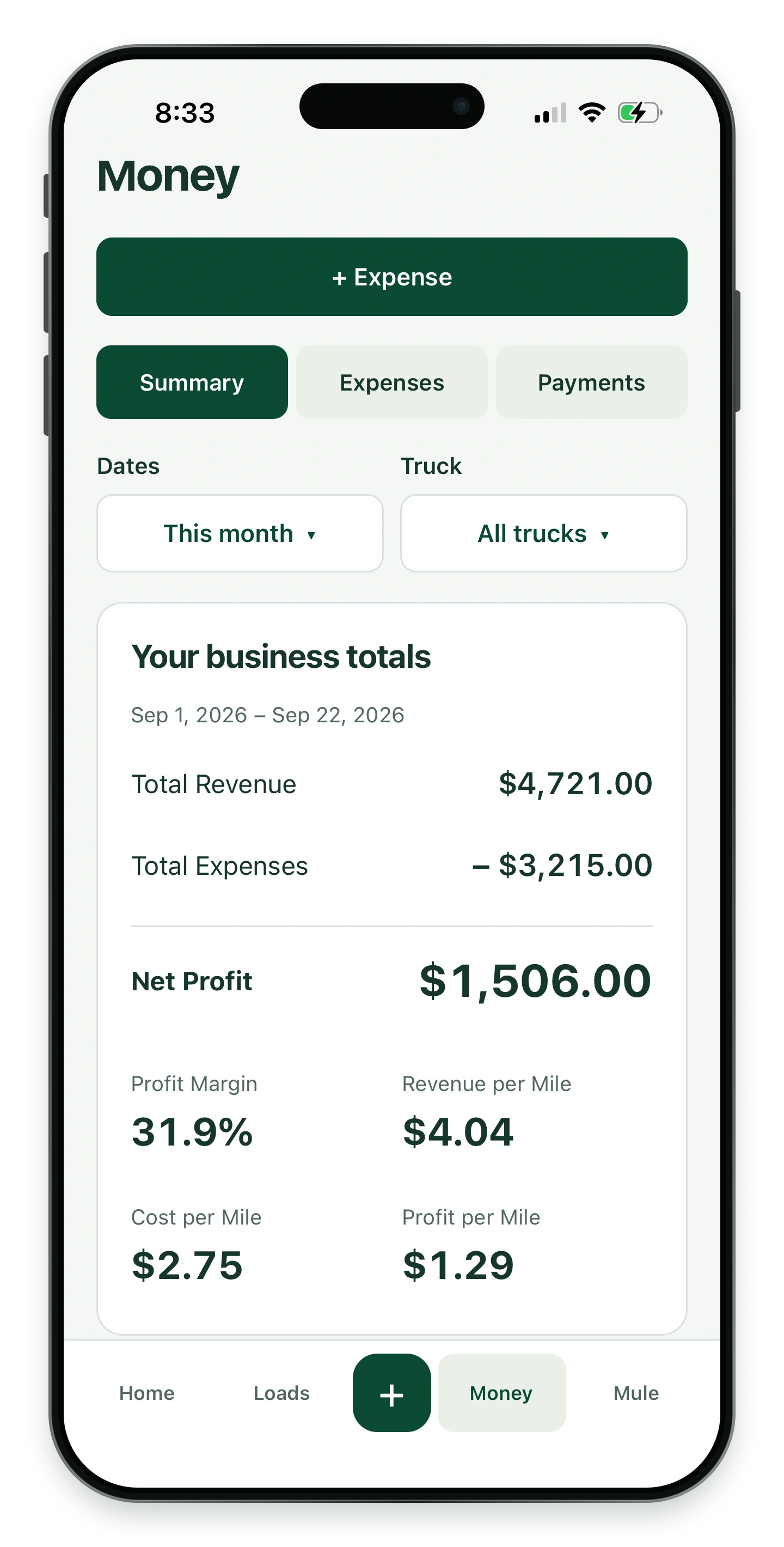
Revenue, expenses and profit in one view.
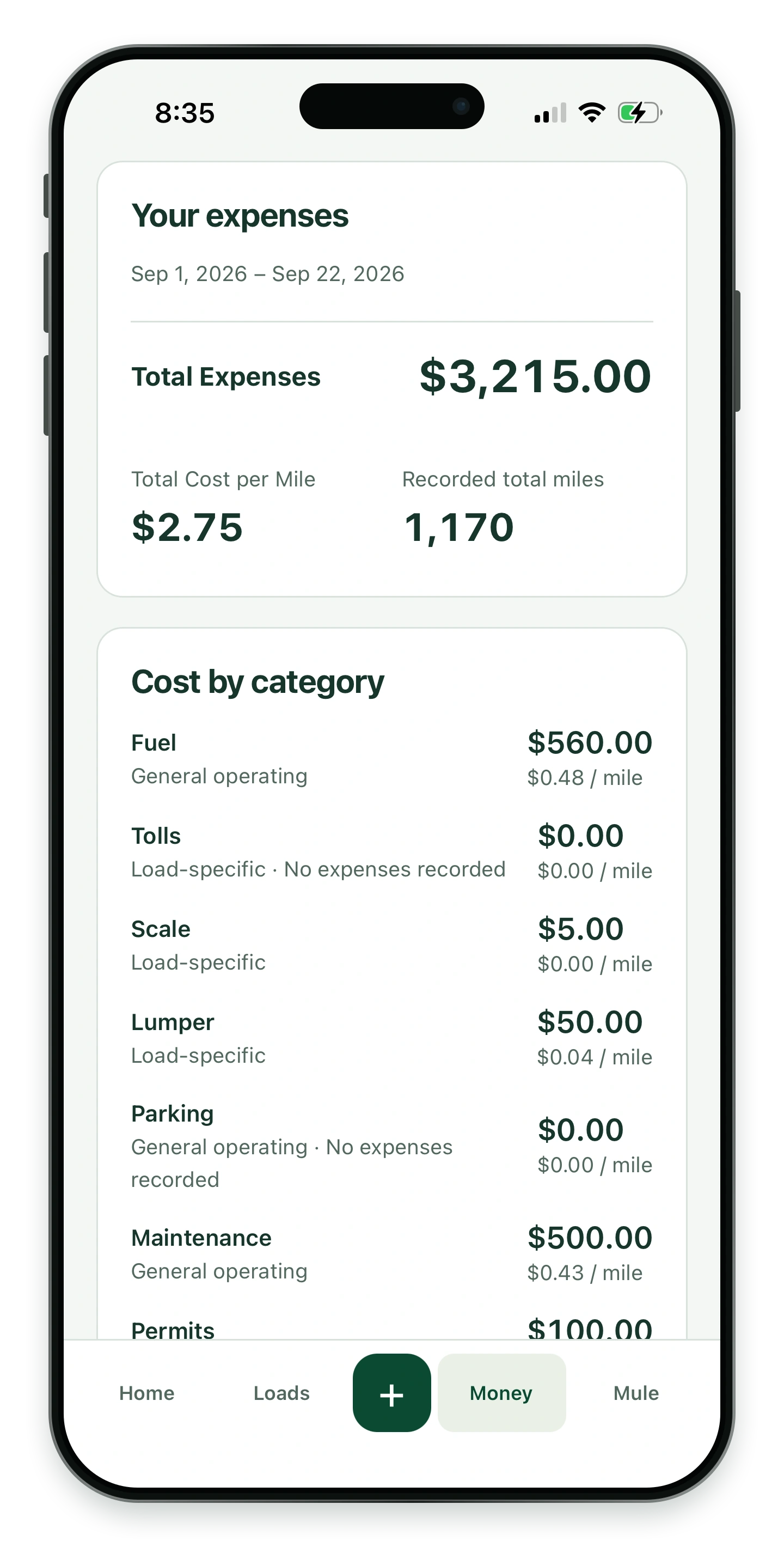
See expenses by category and cost per mile.
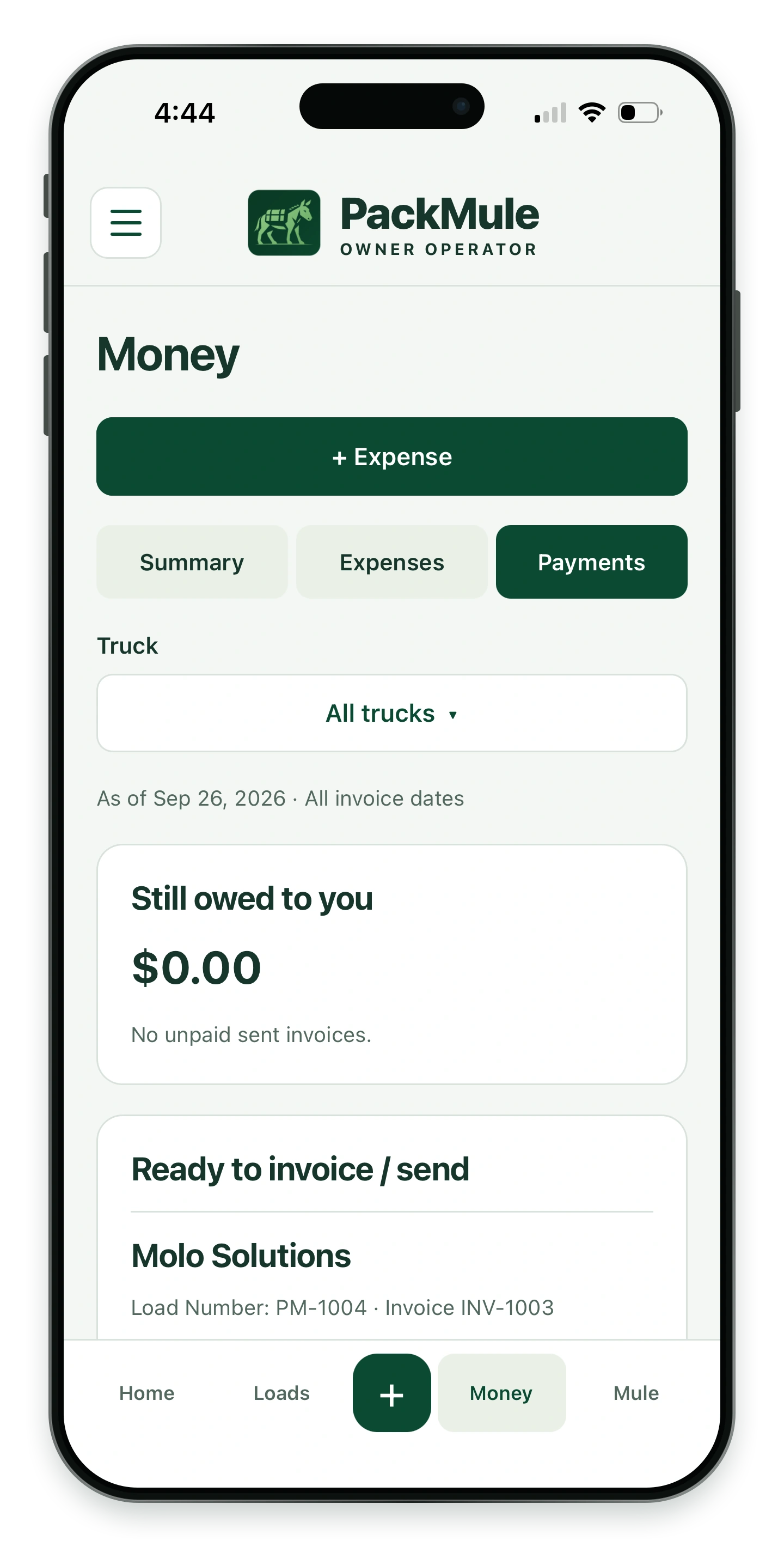
Review unpaid invoices and what is ready to send.